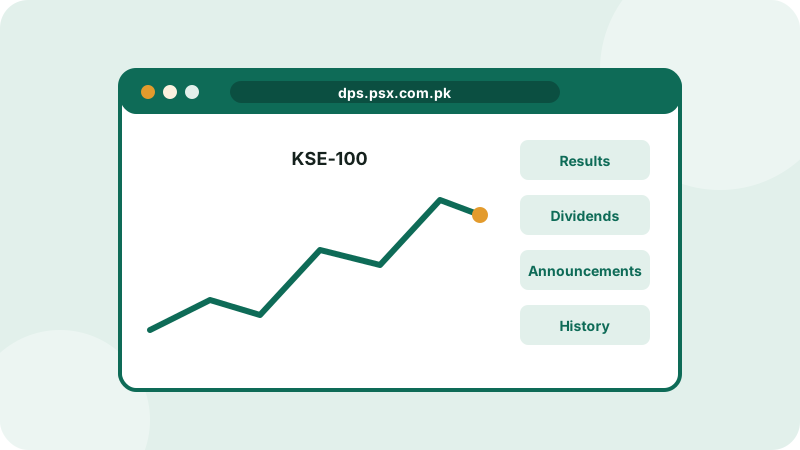
Before you buy any share, you should check its price history, latest results and recent announcements. The good news: the Pakistan Stock Exchange provides all of this free on its official Data Portal at dps.psx.com.pk. No account or app is needed.
Why use the official portal?
WhatsApp groups are full of "tips" like "Company X will announce a big dividend tomorrow!". Instead of trusting a forwarded message, you can open the PSX Data Portal and see what the company has officially announced. It's the difference between hearing a rumour in the bazaar and reading the official notice yourself.
What you'll find on the portal
- Market summary and indices: how the KSE-100 and other indices are moving today.
- Company pages: price, volume and key information for every listed company.
- Financial results: quarterly and annual reports filed by companies.
- Announcements: official disclosures such as results, dividends, board meetings and major events.
- Sectors: companies grouped by industry, such as banks, cement, fertiliser and energy.
- Historical data: past prices for any date.
- Daily downloads: daily price quotations and market reports.
How to look up a company, step by step
- Open dps.psx.com.pk in any browser, on phone or computer.
- Type the company's symbol (its short code on the exchange) or name in the search box.
- On the company page, you'll see the current price, today's change, volume and the 52-week range.
- Open the Financials or Reports section to read the latest quarterly and annual results.
- Check the Announcements and Payouts sections for dividends, bonus shares and board meeting dates.
Example: checking a dividend before you buy
Bilal hears that a company is about to pay a dividend. He opens the Data Portal, searches the company, and looks at its announcements:
- A notice shows the board meeting date to consider the annual results.
- After the meeting, the company announces its results and a cash dividend, with the book closure dates.
Now Bilal knows the facts: the dividend amount, and the date by which he must own the shares to receive it. Read our guide on dividends to understand the numbers.
Tips for using the portal well
- Follow announcements of companies you own, especially around results season.
- Read the actual result PDFs, not just headlines. See how to read a financial report.
- Compare companies within a sector using the Sectors page.
- Use historical data to see how a share behaved in past market falls.
The Data Portal shows information; it doesn't place trades. To buy or sell, you use your broker's app or website.